

游戏介绍
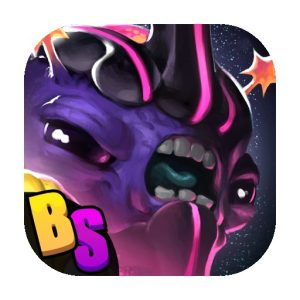
《阿波罗:Roguelike 战术集换式卡牌游戏》是一款融合集换式卡牌构筑与回合制战术RPG的策略游戏,原名《召唤师命运》。游戏采用自上而下的桌面棋格式视角,在类似《龙与地下城》与《万智牌》的经典桌游启发下构建随机冒险流程。适合喜欢卡牌构筑与战术走位深度结合的玩家。
游戏简介
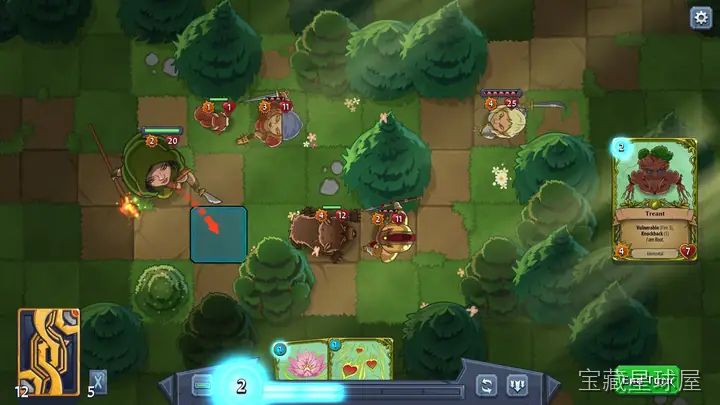
玩家扮演被选中的召唤师,在五个风格迥异的世界中展开随机生成的探索旅程。沿途中使用虚拟D20骰子判定剧情事件,可能遇到新盟友、强力神器、商店或艰难战斗。游戏氛围兼具高奇幻与奇思妙想的幽默感,角色包括投掷松鼠的德鲁伊、具备心灵感应能力的蜥蜴法师与穿越时空的老鼠。资源管理与对随机冒险地图的持续适应是成功完成一轮探险的关键。
游戏玩法
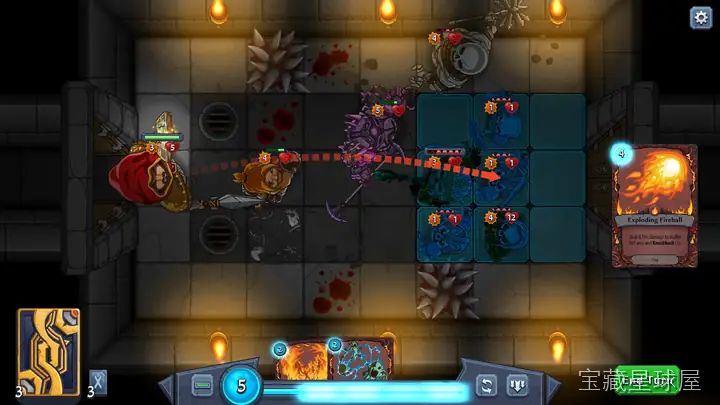
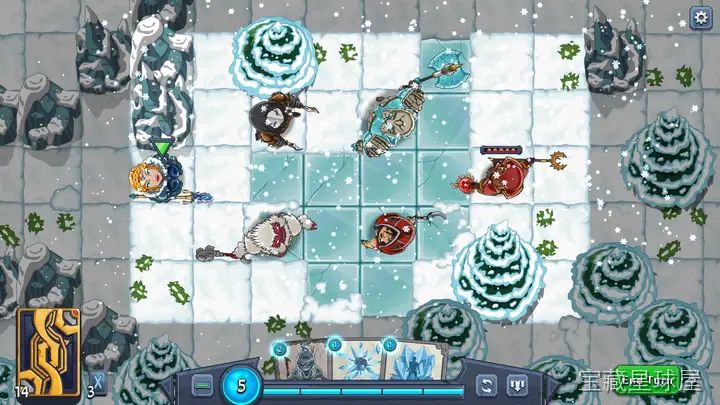
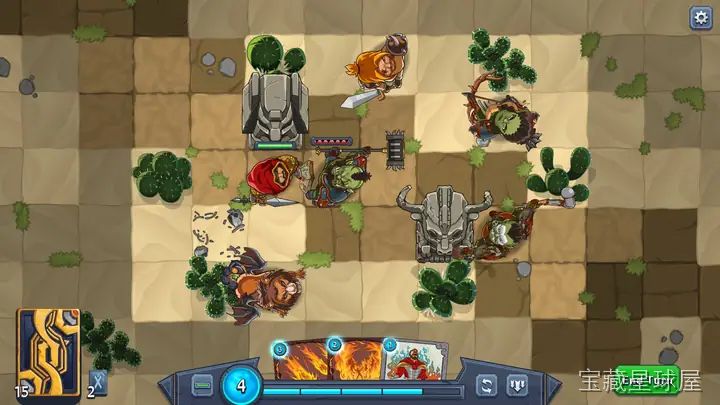
- 网格回合制战斗:战斗在方格竞技场进行,指挥选定召唤师与最多三名招募角色,使用从个人卡组抽取的手牌进行行动。
- 位置与地形利用:移动单位取得侧翼加成、利用尖刺等环境陷阱与地图特征,战局胜负不单取决于卡牌强度。
- 单位协同与连击构建:设计使用单位与法术的创造连击策略,例如将召唤生物突变为"超级浩克松鼠"再组建松鼠大军,多种看似荒诞却可行的打法等待挖掘。
- 精简卡组构筑:召唤师绑定两种职业类型(秘法、天界、自然、虚空、混沌中的两个),卡组上限仅为20张,鼓励玩家高度特化的流派构建。
- 丰富收集内容:超过400张可收集卡牌与盟友在每局游戏中随机出现,玩家在途中即时构建专属构筑方案。
- Roguelike进度解锁:失败后重新开始新旅程,通过永久解锁系统获得新召唤师(各具独特能力)、起始卡牌与装备,增加后续尝试的策略选项。
程序化生成、多样卡池与大量可解锁内容不断混合,使每次挑战最终首领的尝试都成为全新的策略谜题。
游戏信息
| 游戏名称 | 阿波罗:Roguelike 战术集换式卡牌游戏 |
| 游戏原名 | Abalon: Roguelike Tactics CCG |
| 版本号 | 2.93.0 |
| 开发者 | D20Studios |
| 发布日期 | 2023-05-11 |
| 游戏类型 | Adventure |
| 接口语言 | Russian , English , German , Indonesian , Spanish , Italian , Traditional Chinese , Simplified Chinese , Korean , Polish , Portuguese , Turkish , Ukrainian , French , Japanese |
| 测试环境 | macOS Tahoe , Mac mini 2024 M4 |
| 支持架构 | Apple Silicon, Intel x86 |
| 系统要求 | macOS 10.14 or later |
| 游戏大小 | 128 MB |
安装说明
Run the downloaded image and drag the application to the Applications folder shortcut.
Once copying is complete, the application can be launched via Launchpad.
How to install and activate?
Mount the image and run Open Gatekeeper friendly.Press Enter to bypass Gatekeeper in the Terminal window.Drag the application to the Applications folder.The application is ready for use.ATTENTION! SIP must be disabled. Learn more >
How to disable SIP?
Restart your Mac and hold down Command + R to enter Recovery Mode.Open Terminal from the Utilities menu.Enter the command: csrutil disableRestart your Mac.
The application is damaged and cannot be opened?
This is a common Gatekeeper issue. Follow these steps:1. Open Terminal2. Enter: sudo xattr -rd com.apple.quarantine /Applications/AppName.app3. Replace "AppName" with the actual application name4. Press Enter and enter your password
Run the downloaded image and drag the application to the Applications folder shortcut.
Once copying is complete, the application can be launched via Launchpad.
游戏视频
视频来自 Steam 商店页官方预告片;如当前浏览器无法直接播放,可到 Steam 商店页搜索观看。
下载链接
夸克网盘(永久有效):https://pan.quark.cn/s/d80dd4eba468
本站整理发布,仅供学习交流,请在下载后 24 小时内删除,喜欢请支持正版。
游戏截图























暂无评论内容