

游戏介绍
《Portal 2》是Valve开发的解谜游戏续作,继承了前作基于传送门枪的物理谜题体系,并大幅扩展了创意元素与叙事深度。游戏采用简洁的未来工业风格,玩家在荒废的Aperture Science实验室中,利用光桥、推进凝胶、折返立方体等新道具,通过逻辑推理与空间想象破解每一间测试室。它适合喜欢解谜、科幻叙事和幽默对白的玩家,单人战役与双人合作模式均提供了精妙的关卡设计。
游戏简介
故事紧接前作,主角Chell在崩塌的Aperture Science设施中苏醒。曾经整洁的测试环境已变成混乱的废墟,玩家需要穿过长满藤蔓的房间和被遗忘的实验区域,揭露这家公司背后的古怪历史。核心角色GLaDOS(基因生命体与磁盘操作系统)回归,用她标志性的冷漠讽刺与黑色幽默引导(或误导)玩家的行动。新角色——性格鲜明且充满缺陷的人格核心——为阴冷的设施注入了意想不到的温暖与喜剧效果,让解谜过程充满生动的对话互动。
游戏玩法
- 传送门枪与物理谜题:玩家使用传送门枪在墙面与地面上创建蓝色和橙色传送门,实现物体和自身的瞬间移动。谜题围绕重力、动量与空间连通性设计,需要利用传送门将物体或自身送到远距离位置。
- 新谜题机制引入:光桥可以承载玩家或物体跨越间隙;推进凝胶能让角色与物体在表面高速滑动;折返立方体可投射出可转换方向的能量束;高空信仰板则提供弹射跳跃。这些机制被逐步引入,让玩家自然学会组合使用。
- 环境叙事与历史探索:随着玩家深入设施,环境中的录音、海报和实验记录揭示了Aperture Science从一家窗帘公司发展为疯狂科研机构的完整历程,为解谜提供了丰富的背景故事。
- 双人合作独立战役:合作模式包含一套独立的关卡,需要两名玩家通过语音交流与协作,同步使用传送门与道具才能解决谜题。该模式强调分工与信任,为单人体验补充了独特的社交解谜乐趣。
- 节奏平衡与沉浸体验:强解谜段落与探索、叙事段落交替出现,避免玩家陷入持续疲劳。音乐与音效在关键时刻强化氛围,沉默的场景则让玩家专注于观察与思考。
游戏信息
| 游戏名称 | Portal 2 |
| 版本号 | Build (11097438) [Wineskin] |
| 开发者 | Valve |
| 发布日期 | 2011-04-19 |
| 游戏类型 | Games |
| 接口语言 | Russian , English , German , Bulgarian , Greek , Danish , Italian , Traditional Chinese , Simplified Chinese , Korean , Dutch , Norwegian , Portuguese , Romanian , Thai , Turkish , Ukrainian , Finnish , French , Czech , Swedish , Japanese |
| 测试环境 | macOS Sonoma , Mac mini 2020 M1 |
| 支持架构 | Apple Silicon, Intel x86 |
| 系统要求 | macOS 10.14 or later |
| 游戏大小 | 8.39 GB |
安装说明
Run the downloaded image and drag the application to the Applications folder shortcut.
Once copying is complete, the application can be launched via Launchpad.
How to install and activate?
Mount the image and run Open Gatekeeper friendly.Press Enter to bypass Gatekeeper in the Terminal window.Drag the application to the Applications folder.The application is ready for use.ATTENTION! SIP must be disabled. Learn more >
How to disable SIP?
Restart your Mac and hold down Command + R to enter Recovery Mode.Open Terminal from the Utilities menu.Enter the command: csrutil disableRestart your Mac.
The application is damaged and cannot be opened?
This is a common Gatekeeper issue. Follow these steps:1. Open Terminal2. Enter: sudo xattr -rd com.apple.quarantine /Applications/AppName.app3. Replace "AppName" with the actual application name4. Press Enter and enter your password
Run the downloaded image and drag the application to the Applications folder shortcut.
Once copying is complete, the application can be launched via Launchpad.
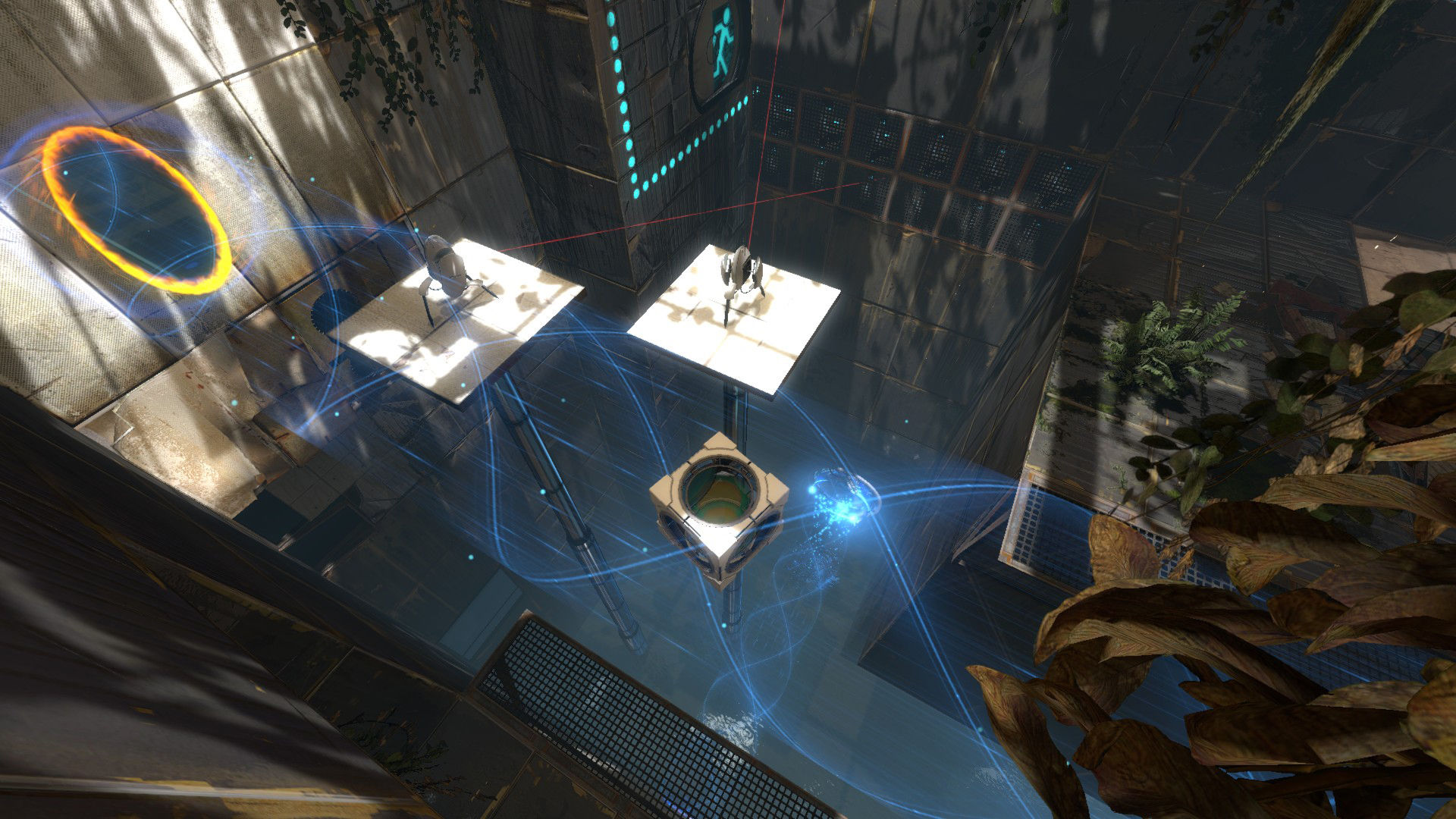
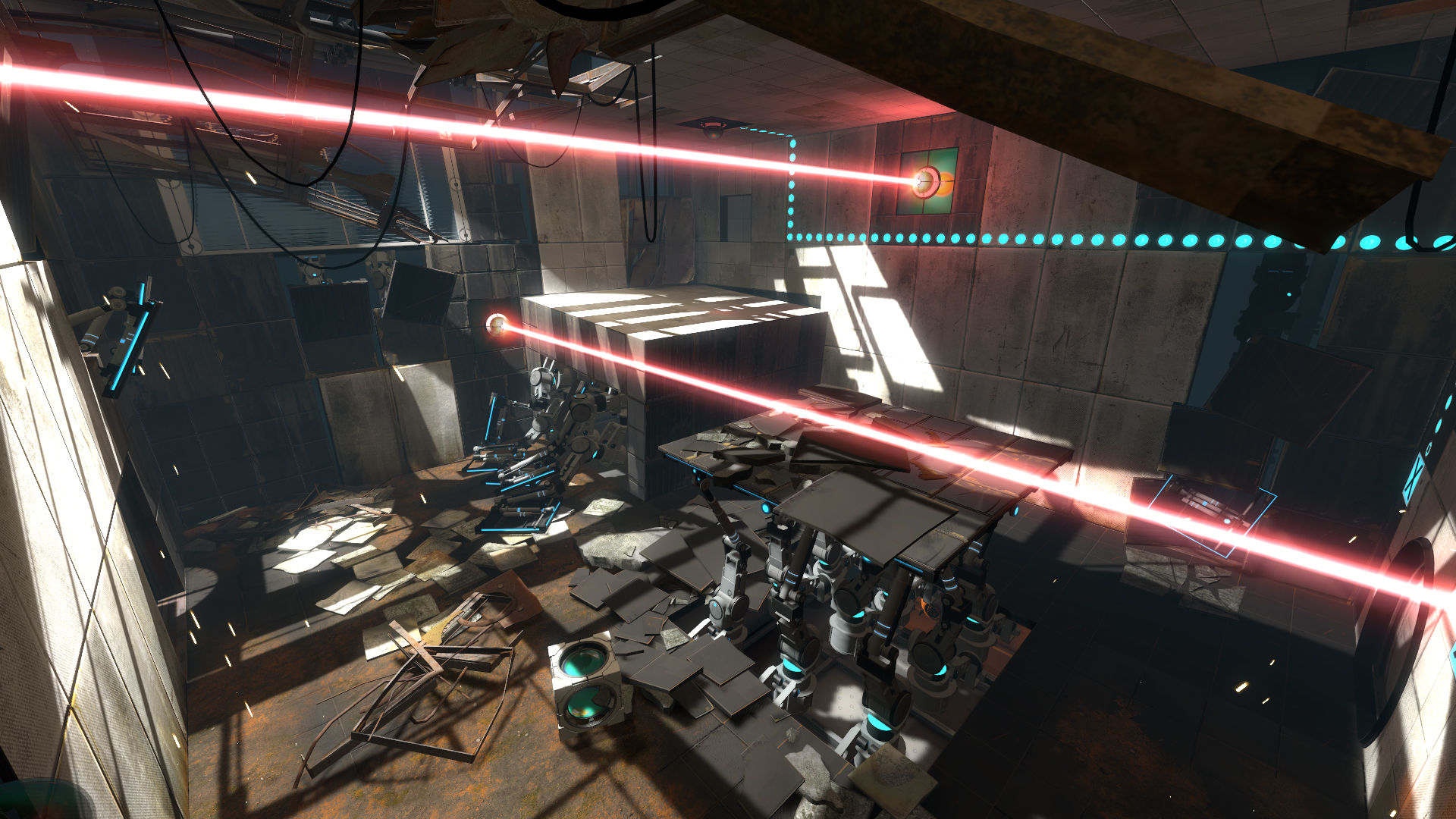
游戏截图



游戏视频
视频来自 Steam 商店页官方预告片;如当前浏览器无法直接播放,可到 Steam 商店页搜索观看。
下载链接
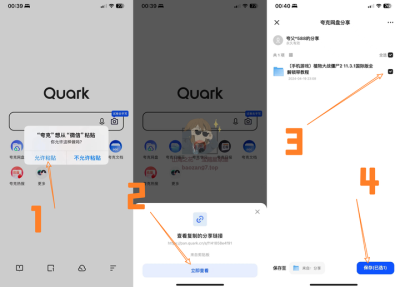
夸克网盘(永久有效):https://pan.quark.cn/s/c0a7d3a0f18b
本站整理发布,仅供学习交流,请在下载后 24 小时内删除,喜欢请支持正版。

























暂无评论内容