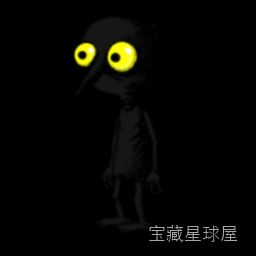

游戏介绍
《漫长等待》是一款由Studio Seufz开发的独特时间模拟游戏,玩家将扮演一位名为“暗影”的孤独生物,在巨大的地下王国中等待国王苏醒——而这段等待需要整整400天现实时间。游戏以极慢的节奏、极简的操作和深刻的沉思氛围著称,玩家可以选择阅读、绘画、探索洞穴或仅仅是发呆,时间本身成为唯一的进度条。适合喜欢实验性玩法、享受孤独与冥想体验的玩家。
游戏简介
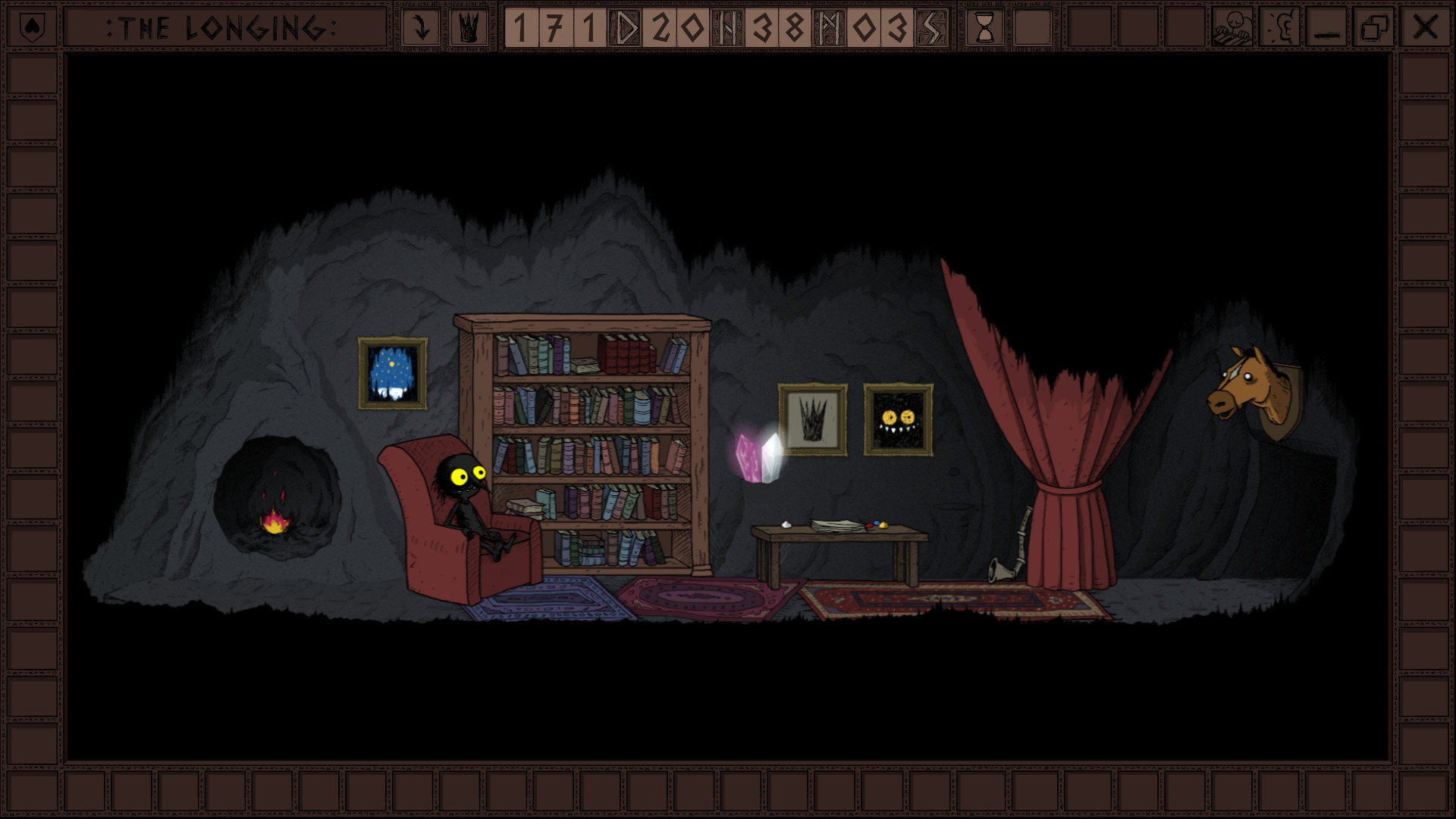
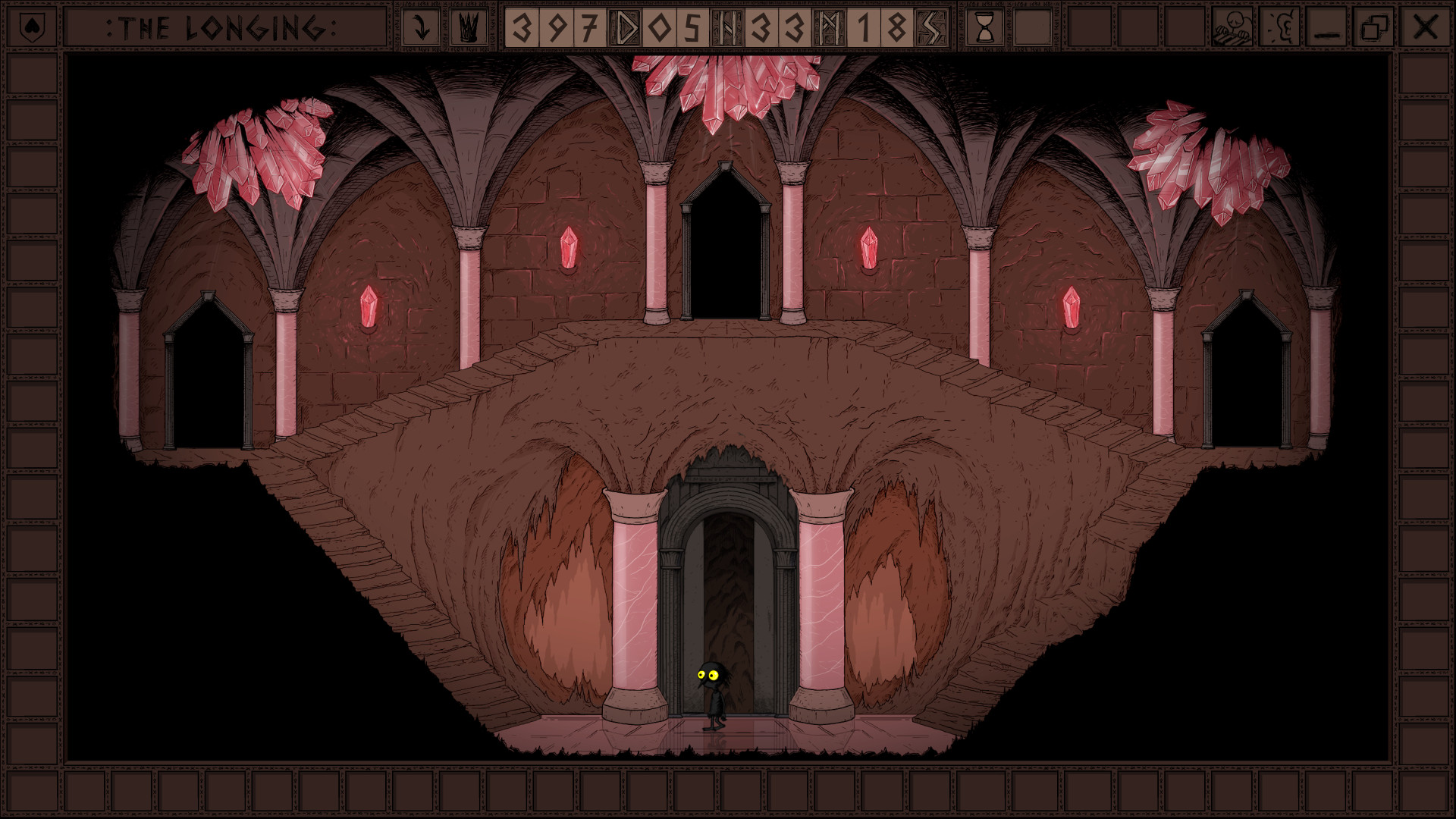
在黑暗而广袤的地下王国中,暗影是国王唯一的仆人。国王陷入沉睡,命令暗影必须等待400天(现实时间)才能唤醒他。玩家无法跳过时间,也无法加速进程,只能在漫长的等待中自由选择如何度过每一刻。地下世界里隐藏着无数秘密通道、宝藏和散落的传说,暗影可以通过挖掘、阅读书籍、绘画以及探索来了解这片古老王国的历史。游戏不设战斗与紧张挑战,而是将时间本身塑造成主角,让玩家在等待中体会孤独、耐心与存在意义的微妙变化。
游戏玩法
- 现实时间同步机制:游戏内置计时器与现实世界同步,每过去一天,游戏中的时间也前进一天,不可通过加速或修改跳过。
- 多种等待活动:玩家可以在住所中读书、绘画、收集物品,或深入地下洞穴进行探索,每种活动消耗不同的时间并带来不同的反馈。
- 探索与发现:地下王国设计精美,包含大量隐藏区域、秘密通道、宝藏以及背景故事碎片,鼓励玩家在漫长等待中主动探索。
- 选择影响结局:玩家可以选择是否严格遵守国王的指令,或是在等待期间自由生活,不同的选择将导向不同的结局与解读。
- 冥想式体验:游戏没有失败条件,也没有强制目标,玩家可以随时暂停或离开,但每一次回归都会重新面对时间的流逝与孤独的沉淀。
游戏信息
| 游戏名称 | 漫长等待 |
| 游戏原名 | The Longing |
| 版本号 | 1.9.0 |
| 开发者 | Studio Seufz |
| 发布日期 | 2020-03-05 |
| 游戏类型 | Adventure |
| 接口语言 | Russian , English , German , Spanish , Italian , Simplified Chinese , Korean , Polish , Portuguese , French , Japanese |
| 测试环境 | macOS Sonoma , MacBook Air (M1. 2020) |
| 支持架构 | Apple Silicon, Intel x86 |
| 系统要求 | macOS 10.14 or later |
| 游戏大小 | 585 MB |
安装说明
Run the downloaded package and follow the standard installation procedure.
The installation is completed by choosing a location to place the game.
It is recommended to specify the Applications folder.
How to install and activate?
Mount the image and run Open Gatekeeper friendly.Press Enter to bypass Gatekeeper in the Terminal window.Drag the application to the Applications folder.The application is ready for use.ATTENTION! SIP must be disabled. Learn more >
How to disable SIP?
Restart your Mac and hold down Command + R to enter Recovery Mode.Open Terminal from the Utilities menu.Enter the command: csrutil disableRestart your Mac.
The application is damaged and cannot be opened?
This is a common Gatekeeper issue. Follow these steps:1. Open Terminal2. Enter: sudo xattr -rd com.apple.quarantine /Applications/AppName.app3. Replace "AppName" with the actual application name4. Press Enter and enter your password
Run the downloaded package and follow the standard installation procedure.
The installation is completed by choosing a location to place the game.
It is recommended to specify the Applications folder.
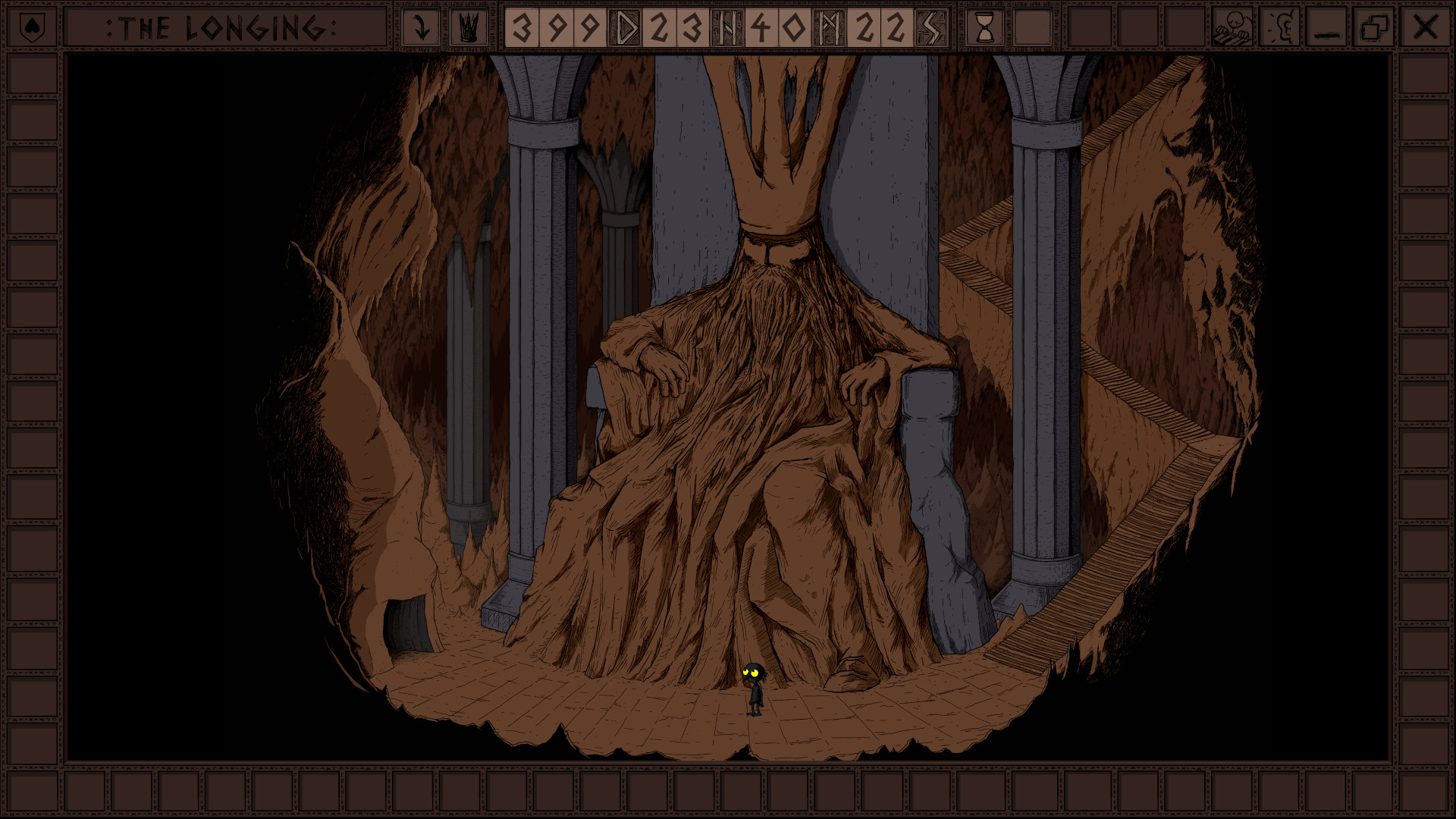
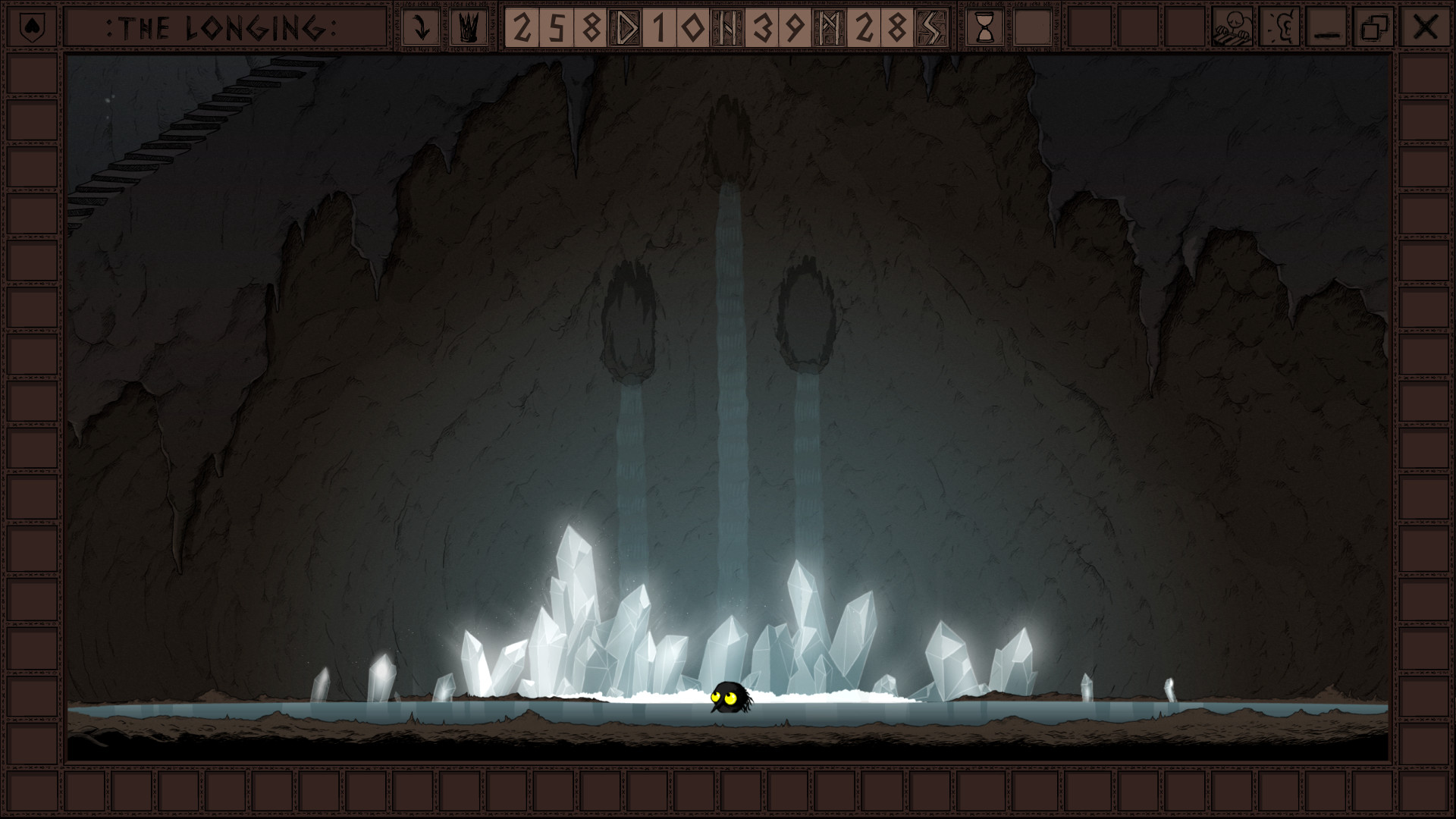
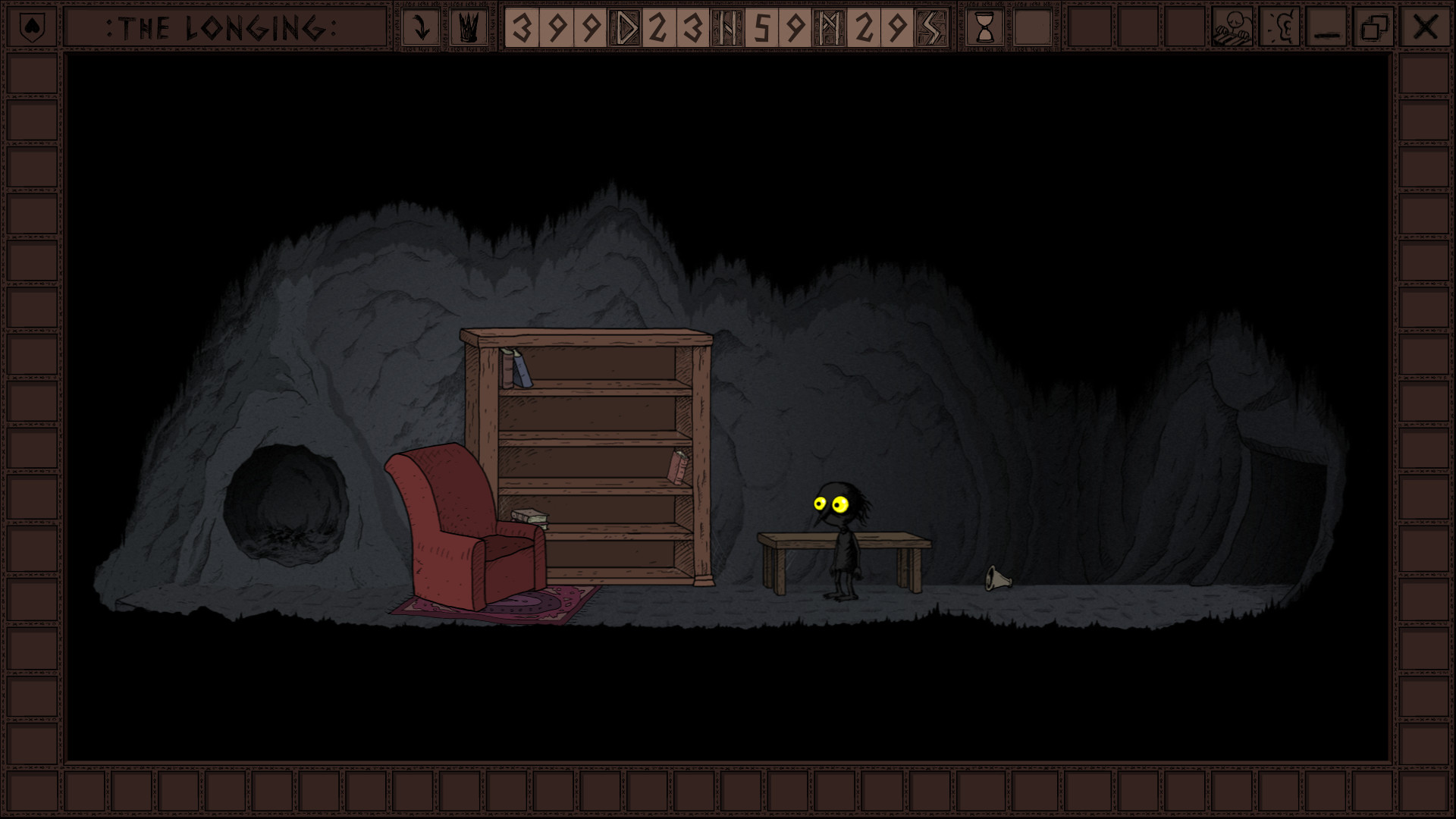
游戏截图
游戏视频
视频来自 Steam 商店页官方预告片;如当前浏览器无法直接播放,可到 Steam 商店页搜索观看。
下载链接
夸克网盘(永久有效):https://pan.quark.cn/s/90bdaa2fba7a
本站整理发布,仅供学习交流,请在下载后 24 小时内删除,喜欢请支持正版。


























暂无评论内容