

游戏介绍
这是一款第一人称恐怖冒险游戏,将恐惧浸透在氛围与心理张力中。玩家被困在一处衰败的环境里,移动、转向和调查都异常沉重。作品避开廉价的跳跃式惊吓,用灯光、噪音与叙事碎片建立持续的不安感。适合喜欢沉浸式恐怖体验、能够接受碎片化故事并享受空间解谜的玩家。
游戏简介
故事从灯光闪烁和走廊里回荡的怪声开始,主角身陷一座正在朽坏的神秘建筑。标题“麻痹”恰如其分地强调了那种无从反抗的无力感。日记条目、环境提示和微妙的视觉细节散落在各处,玩家需要主动拼凑出此前发生的可怕事件。游戏的叙事故意模糊,依靠线索与暗示逐渐揭晓角色为何会走到这里。
游戏玩法
- 以第一人称视角缓慢探索阴暗走廊和衰败房间。
- 收集日记与物品,还原碎片化的个人经历与事件真相。
- 解决嵌入环境的谜题,依靠观察和逻辑而非反复试错。
- 借助声音判断危险与情绪变化,音效是营造恐惧的主要工具。
- 通过视觉线索理解更深的背景,换取对故事更完整的认知。
游戏信息
| 游戏名称 | 麻痹 |
| 游戏原名 | Paralyzed |
| 版本号 | August 8, 2017 |
| 开发者 | Koreez |
| 发布日期 | 2017-04-19 |
| 游戏类型 | Adventure |
| 接口语言 | Russian , English , German , Arabic , Spanish , Italian , Simplified Chinese , Korean , French , Japanese |
| 测试环境 | macOS Sonoma , MacBook Air (M1. 2020) |
| 支持架构 | Apple Silicon, Intel x86 |
| 系统要求 | macOS 10.14 or later |
| 游戏大小 | 72 MB |
安装说明
Run the downloaded image and drag the application to the Applications folder shortcut.
Once the copy is complete, you can launch the application from Launchpad.
How to install and activate?
Mount the image and run Open Gatekeeper friendly.Press Enter to bypass Gatekeeper in the Terminal window.Drag the application to the Applications folder.The application is ready for use.ATTENTION! SIP must be disabled. Learn more >
How to disable SIP?
Restart your Mac and hold down Command + R to enter Recovery Mode.Open Terminal from the Utilities menu.Enter the command: csrutil disableRestart your Mac.
The application is damaged and cannot be opened?
This is a common Gatekeeper issue. Follow these steps:1. Open Terminal2. Enter: sudo xattr -rd com.apple.quarantine /Applications/AppName.app3. Replace "AppName" with the actual application name4. Press Enter and enter your password
Run the downloaded image and drag the application to the Applications folder shortcut.
Once the copy is complete, you can launch the application from Launchpad.
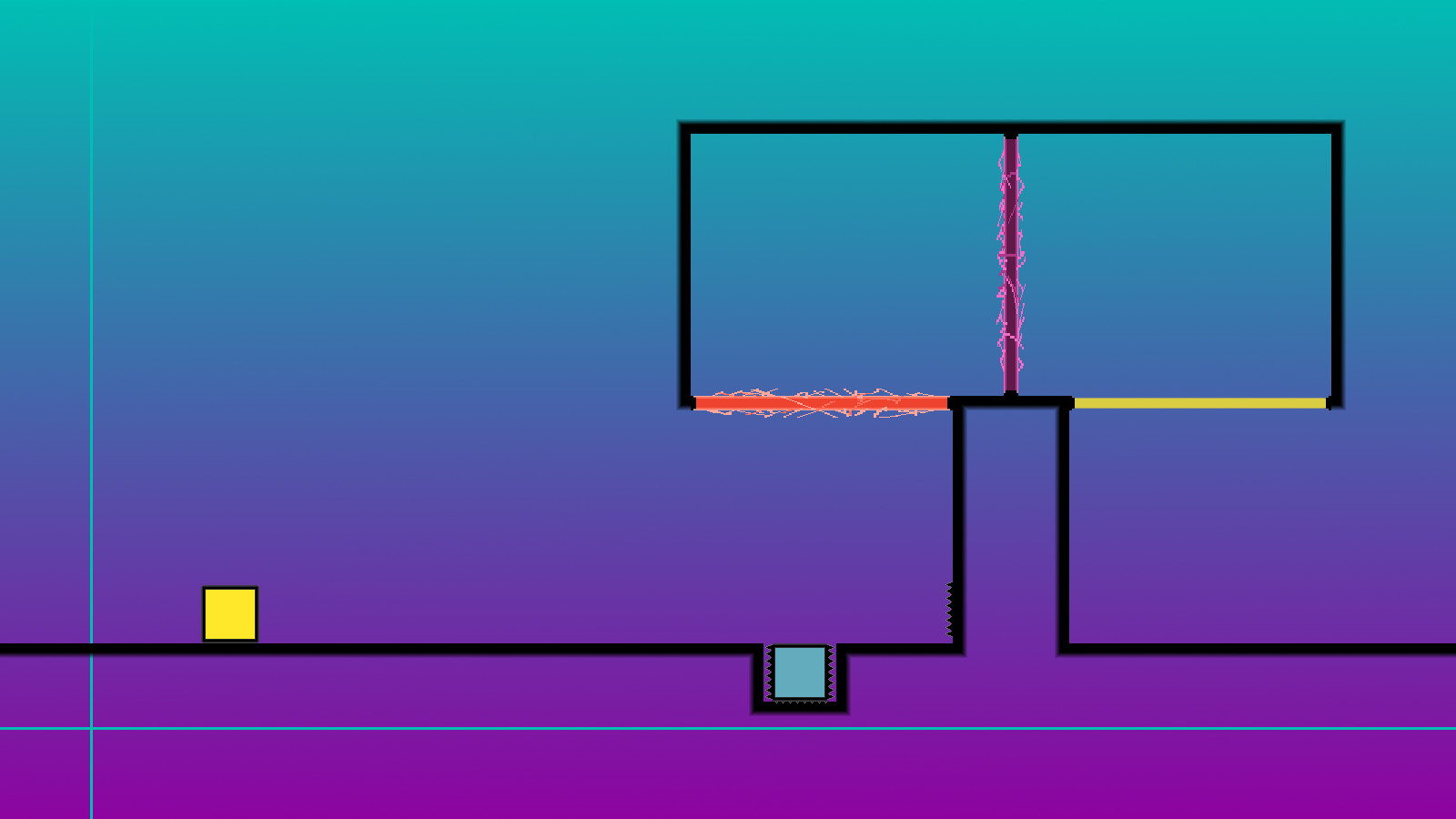
游戏截图




游戏视频
视频来自 Steam 商店页官方预告片;如当前浏览器无法直接播放,可到 Steam 商店页搜索观看。
下载链接
夸克网盘(永久有效):https://pan.quark.cn/s/09e886227f20
本站整理发布,仅供学习交流,请在下载后 24 小时内删除,喜欢请支持正版。

























暂无评论内容