

软件简介
FTP Disk 让用户把 FTP 或 SFTP 服务器当作电脑上的本地磁盘来访问,无需单独开启 FTP 客户端。它面向开发者、网站管理员以及依赖远程存储的企业,把上传、下载、编辑和整理文件变成在文件管理器中的熟悉操作,降低了远程文件管理的技术门槛。对于需要定期更新网站内容、管理备份或与远程团队协作的用户,这种方式能显著减少操作步骤。传统客户端往往需要多个步骤才能完成的动作,在这里用拖放即可搞定。
核心功能
- 将 FTP/SFTP 服务器挂载为虚拟磁盘,直接使用系统文件管理器打开、编辑、复制或删除远程文件。
- 支持拖放式上传和文件同步,免去传统 FTP 客户端的多步操作过程。
- 持续维持服务器连接,支持后台文件传输和断线自动重连,大文件处理不易中断。
- 提供 SFTP 与 FTPS 加密传输,安全存储用户凭据,并可设置访问权限防止未授权操作。
- 支持同时连接多个服务器,在统一界面中切换不同项目或客户,方便管理多个远程系统。
软件信息
| 软件名称 | FTP Disk |
| 软件原名 | FTP Disk |
| 版本号 | 1.5.5 |
| 开发者 | Max Programming |
| 发布日期 | 2026-01-01 |
| 软件类别 | Programs |
| 支持架构 | ARM, x86 (64-bit) |
| 系统要求 | OS X 10.10 and later |
| 兼容性 | OS X 10.10 and later |
| 软件大小 | 36 MB |
安装说明
Run the downloaded image and drag the application to the Applications folder shortcut.
Once copying is complete, the application can be launched via Launchpad.
How to install and activate?
Mount the image and run Open Gatekeeper friendly.Press Enter to bypass Gatekeeper in the Terminal window.Drag the application to the Applications folder.The application is ready for use.ATTENTION! SIP must be disabled. Learn more >
How to disable SIP?
Restart your Mac and hold down Command + R to enter Recovery Mode.Open Terminal from the Utilities menu.Enter the command: csrutil disableRestart your Mac.
The application is damaged and cannot be opened?
This is a common Gatekeeper issue. Follow these steps:1. Open Terminal2. Enter: sudo xattr -rd com.apple.quarantine /Applications/AppName.app3. Replace "AppName" with the actual application name4. Press Enter and enter your password
Run the downloaded image and drag the application to the Applications folder shortcut.
Once copying is complete, the application can be launched via Launchpad.
软件截图
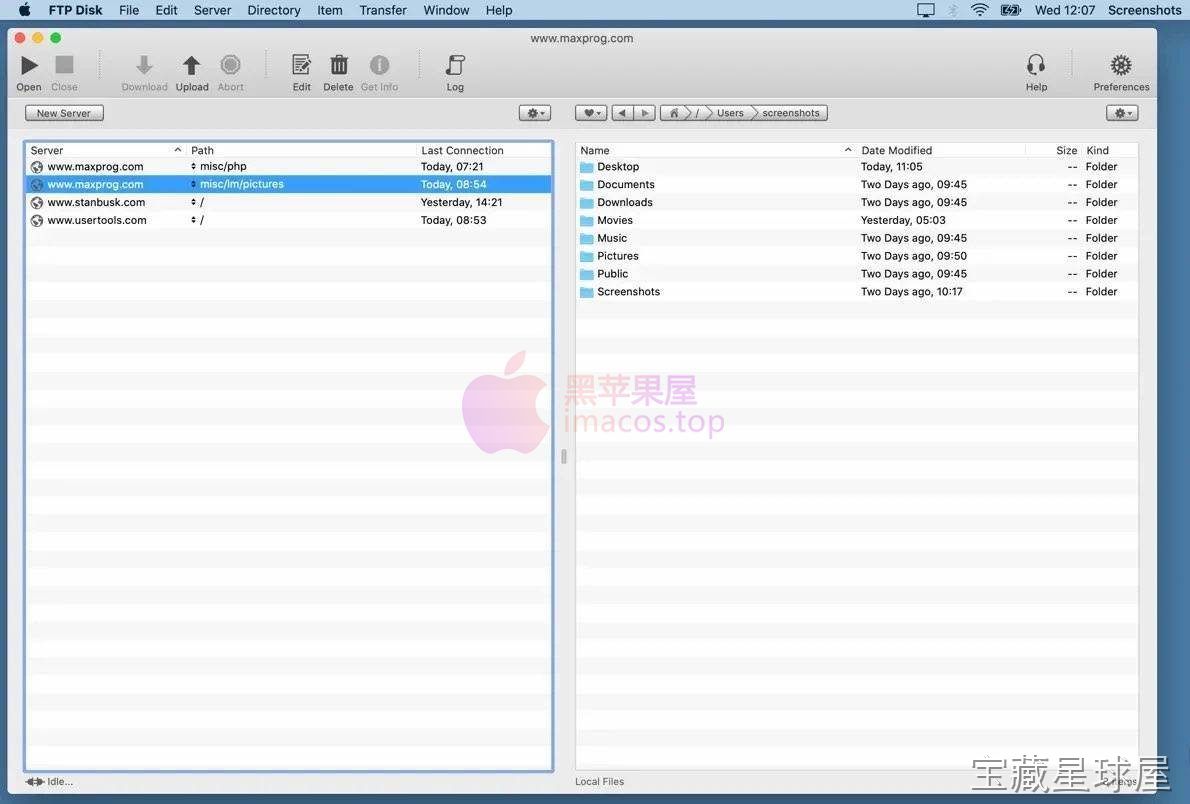
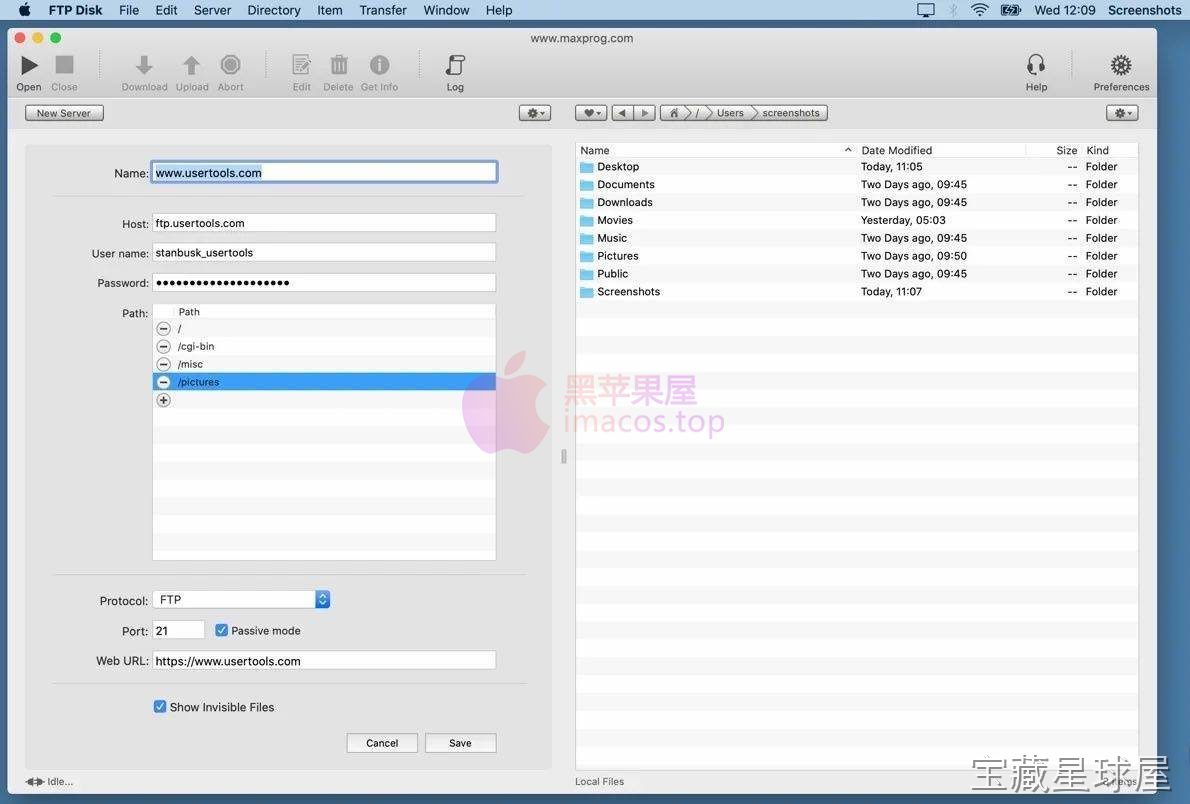
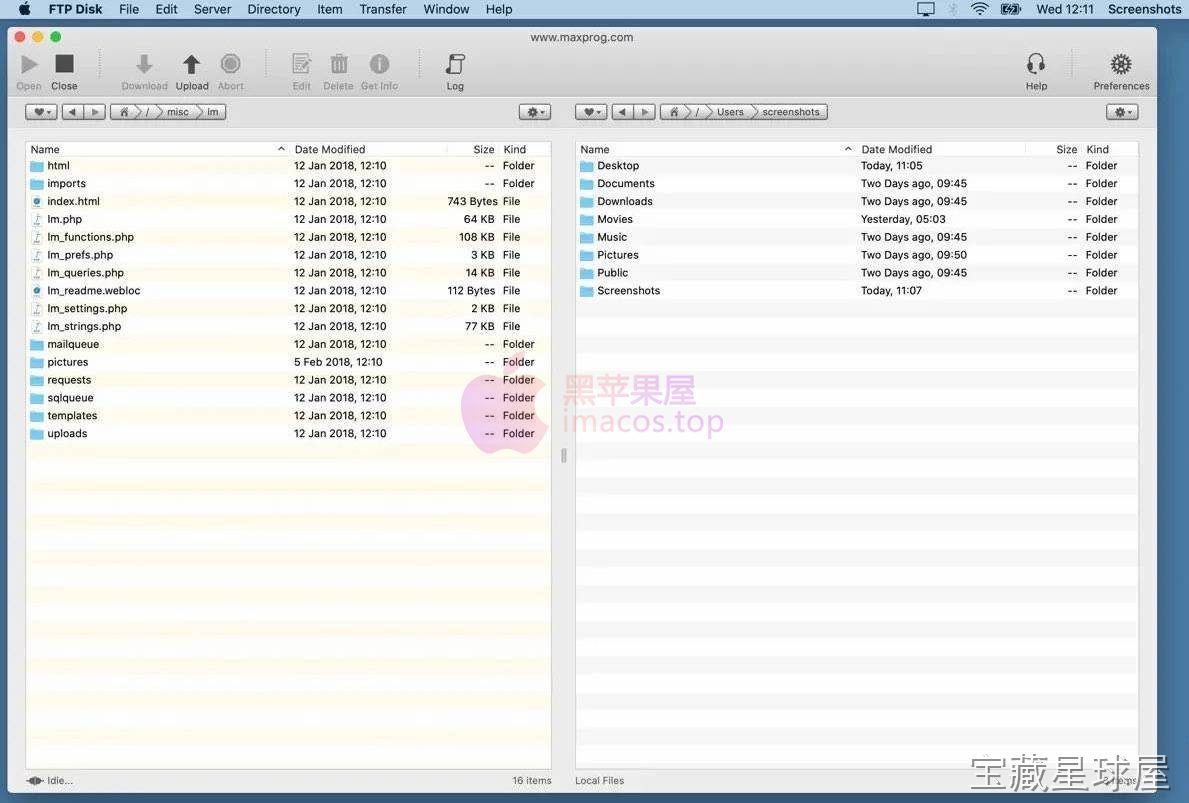
下载链接
夸克网盘(永久有效):https://drive.uc.cn/s/7d658d31a5584?public=1
本站整理发布,仅供学习交流,请在下载后 24 小时内删除,喜欢请支持正版。


























暂无评论内容